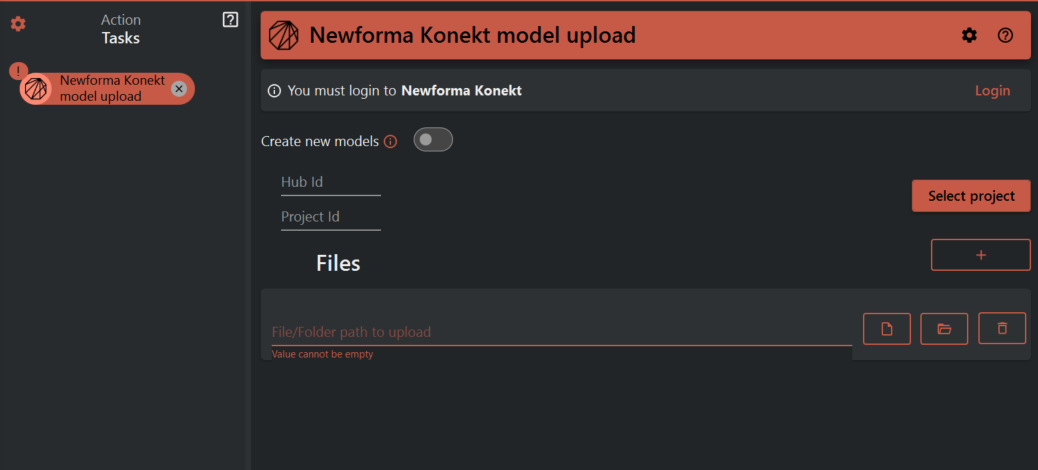
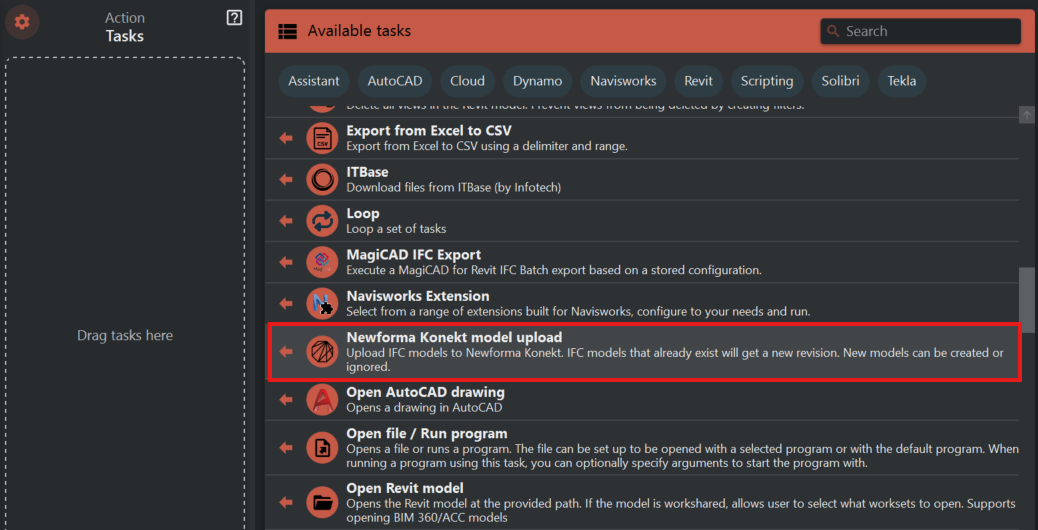
¶ Newforma Konekt model upload
This task uploads files to Newforma Konekt server,or updates existing files that are placed.
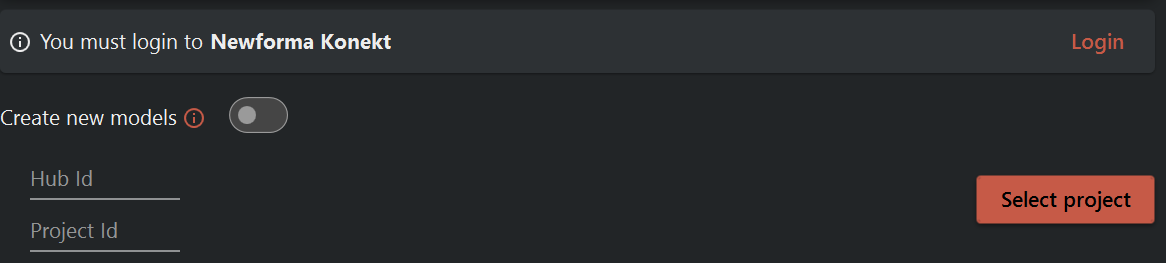
First you must Login into you Newforma Konekt account, only then wont get a configuration error symbol to the left of the task name in the Task panel.
Then select the project you want to upload and the Hub Id & project Id will be created automatically.
Then by clicking the '+' icon you will shown three buttons,
First button allows you to upload a particular file from a folder .
Second button allows you to upload an entire folder .
Third button allows you to delete the current selection in the list of files.
By using this you can upload multiple files from same or different folders, or even entire folders